


Move your money where you need it, when you need it
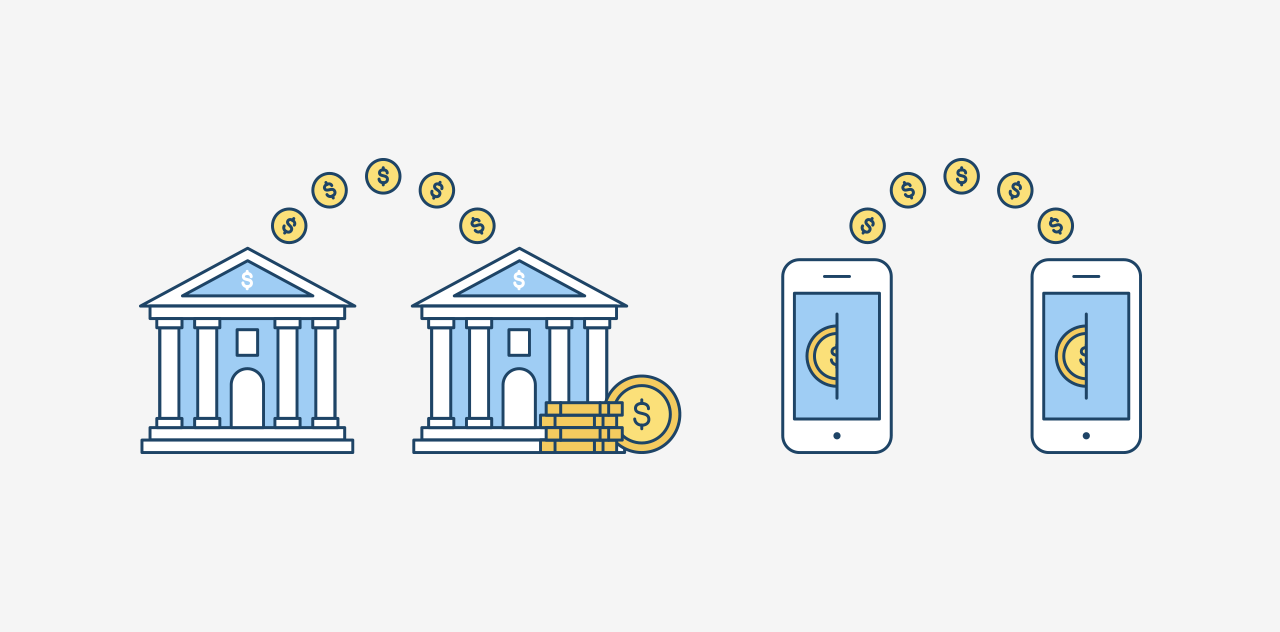
Learn how to quickly and easily transfer money with just a few clicks of a button. Long gone are the days of needing cash, checks or branch visits to access your money.
Transfers lets you:
Transfer money between accounts from online banking or the mobile banking app
Move money in 3-days, next day or instant
Schedule 1-time, future dated or ongoing
Transfer money from an external financial institution to your primary account
Move money in an emergency without wires, checks or carrying large amounts of cash
View transfer history
Watch how easy it is to move money from account to account
English
Espanol
make an external transfer
Select Transfers. Then select “Make an external transfer.”
Enter the amount, select the accounts you want to transfer from and to, and the date. Available Delivery By dates will be displayed along with any related fees. When ready, “Review Transfer.”
Review the transfer details and select “Confirm” to continue or the Back Arrow to go back and make edits.
A transfer success screen will confirm the amount and date of your transfer. Select ”Show transaction details” to view more information. Select “Done” when finished.
Set up an external transfer account
When choosing the To: or From: account, select “+ Add New” button to add an external account.
Begin by selecting the account type. Enter the routing and account number. Select “Add.”
You have two choices for account verificaiton:
Verify instantly if you know your credentials for online banking at the other institution
Verify with trial deposit
To verify by Trial Deposit, read and understand the three-step process. Select “Start” to initiate the trial deposit.
Once you’ve received your deposits, return and enter the amounts to complete your verification.